Standing Desk Crossbar vs T-Frame Stability: Eliminating High-Elevation Sway
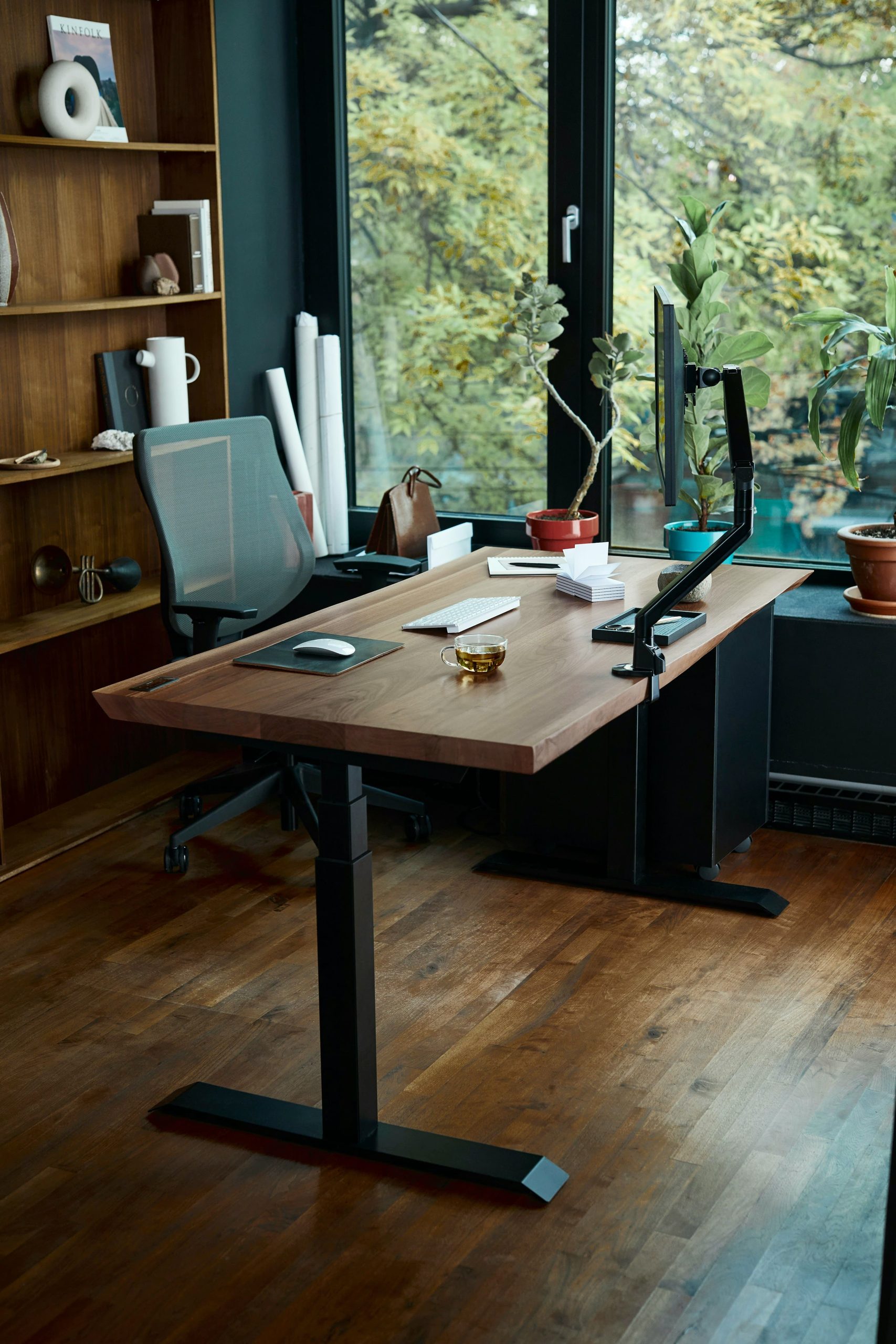
standing desk crossbar vs t-frame stability

When comparing a standing desk crossbar vs t-frame workstation, stability at high elevation is the critical factor. You spend weeks configuring your workspace, torque down your heavy-duty monitor arms, program your preferred standing height on the handset, and step back to admire your new setup. But the moment you raise the desktop past 42 inches … Read more

Why Standard Desk Height Calculators Are Wrong (And How Setup Lab Fixes It)

desk height calculator

Using a standard standing desk height calculator often introduces a dangerous biomechanical assumption: treating human beings as rigid, uniform sticks standing barefoot on concrete. If you have ever adjusted an electric standing desk to match a standard online chart—only to end up with throbbing trapezius muscles, wrist dorsiflexion, or tingling fingers within 30 minutes—the problem … Read more

Seat Pan Depth Ergonomics: Stop Leg Numbness Fast

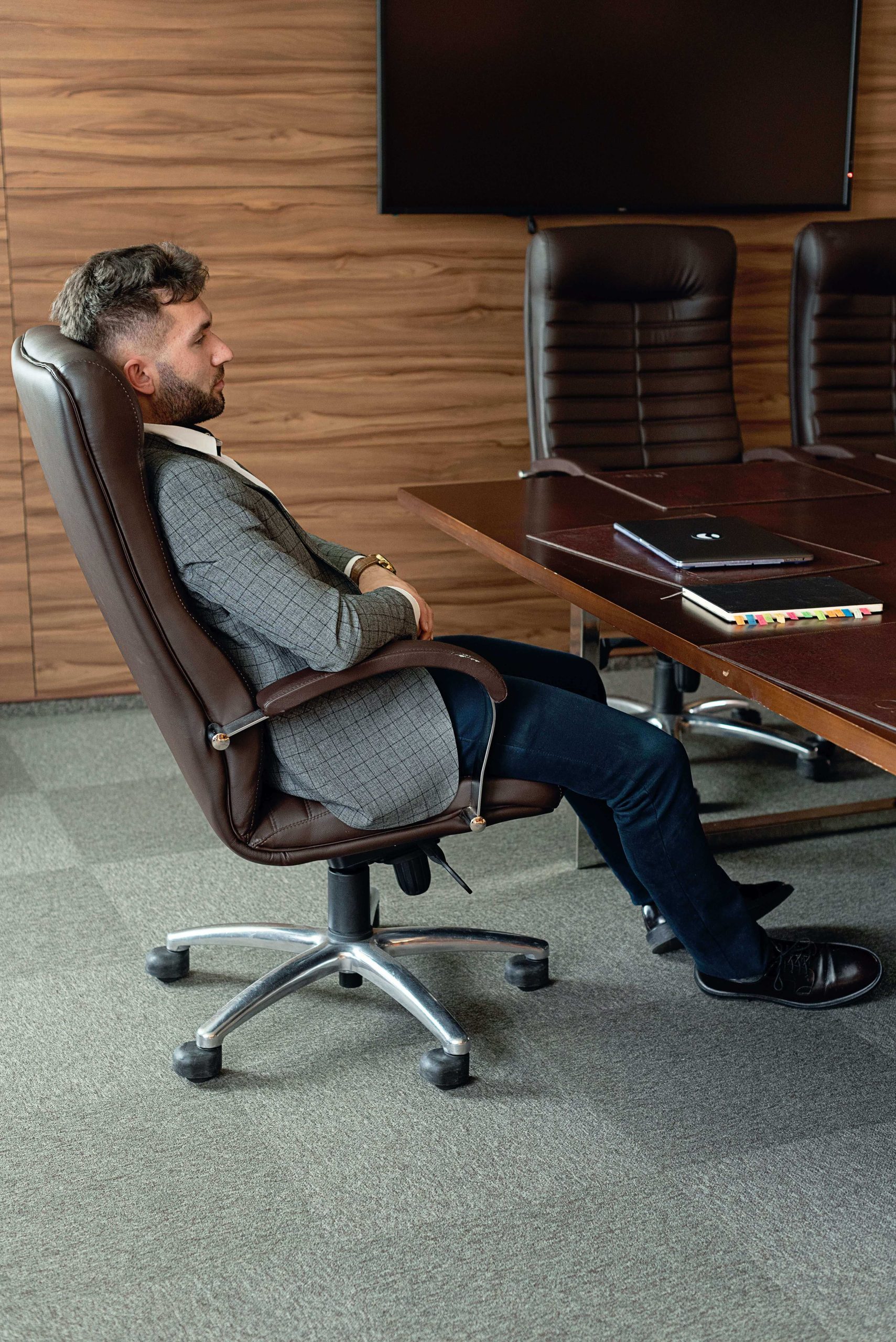
You invest in a high-end ergonomic mesh office chair, adjust your gas cylinder until your feet touch the floor, align your lumbar pad against your lower spine, and settle in for deep programming or analytical work. Yet within two hours, an unmistakable, irritating sensation sets in: subtle tingling across your toes, cold feet, or a … Read more

Dual Monitor Arm vs Two Single Arms: 5 Stability & Deflection Rules

When evaluating a dual monitor arm vs two single arms for a multi-display workstation, the decision is frequently treated as a simple aesthetic preference. However, mounting dual monitors introduces complex mechanical dynamics—including localized cantilever torque, edge deflection along your desktop, and rigid articulation constraints. Choosing the correct mounting architecture determines whether your displays remain rock-solid … Read more

Clamp-On vs Under-Desk Power Strips: Surge Protection & Workspace Clearance

When engineering high-draw workspace power distribution, deciding between a clamp-on vs under-desk power strip determines both electrical safety and functional surface clearance. Mounting power directly to your desk frame prevents trailing cord hazards, but choosing the wrong orientation introduces cable pinch points, chassis ground risks, or unsightly clutter. Table of Contents 1. Electrical Architecture: Thermal … Read more

Under-Desk Keyboard Tray vs Negative Tilt: 5 Proven Setup Rules

When comparing an under-desk keyboard tray vs negative tilt platform, most ergonomic setup advice suggests elevating your office chair until your forearms sit parallel to the floor at a 90-degree angle. However, placing a mechanical keyboard flat on top of a standard desk surface creates subtle wrist extension that dramatically increases carpal tunnel fluid pressure … Read more

Single vs Dual Monitor Arm: Desk Deflection, Clamp Stress, and Weight Limits

Engineering Transparency: Vortex Momentum conducts independent mechanical load and deflection testing. When you purchase through verified hardware links on this site, we may earn an affiliate commission at no additional cost to you. Single vs Dual Monitor Arm: The Structural Reality When evaluating a single vs dual monitor arm setup, mounting multiple displays on an … Read more

How to Fix Standing Desk Wobble: 5 Engineering Stability Fixes

Experiencing severe standing desk wobble when typing at full height disrupts focus, causes eye strain from monitor shake, and undermines the ergonomic benefits of an active workstation. While many assume height-adjustable frame sway stems from manufacturing defects, it is fundamentally a physics problem governed by extended lever arms and mechanical joint tolerances. Applying structural adjustments—such … Read more

Negative Tilt Keyboard Tray vs Standard Tray: 5 Ergonomic Wins

negative tilt keyboard tray

Typing for extended periods on a flat desk surface forces your upper extremities into an unnatural, sustained posture. When hands rest on a standard keyboard positioned above elbow height, the wrists inevitably cock upward into dorsiflexion—a position known clinically as wrist extension. Sustained wrist extension narrows the carpal tunnel, placing direct mechanical compression on the … Read more

How to Stop Standing Desk Monitor Wobble: 4 No-Drill Fixes

Reinforced dual monitor arm clamp installed on a wooden desktop to stop standing desk monitor wobble

Editorial Disclosure: Vortex Momentum conducts independent workspace hardware evaluations. If you purchase through links in this guide, we may earn an affiliate commission from qualifying Amazon Associates purchases at no extra cost to you. Quick Fix Summary: If your screens shake every time you type at standing height, you do not need to replace your … Read more