
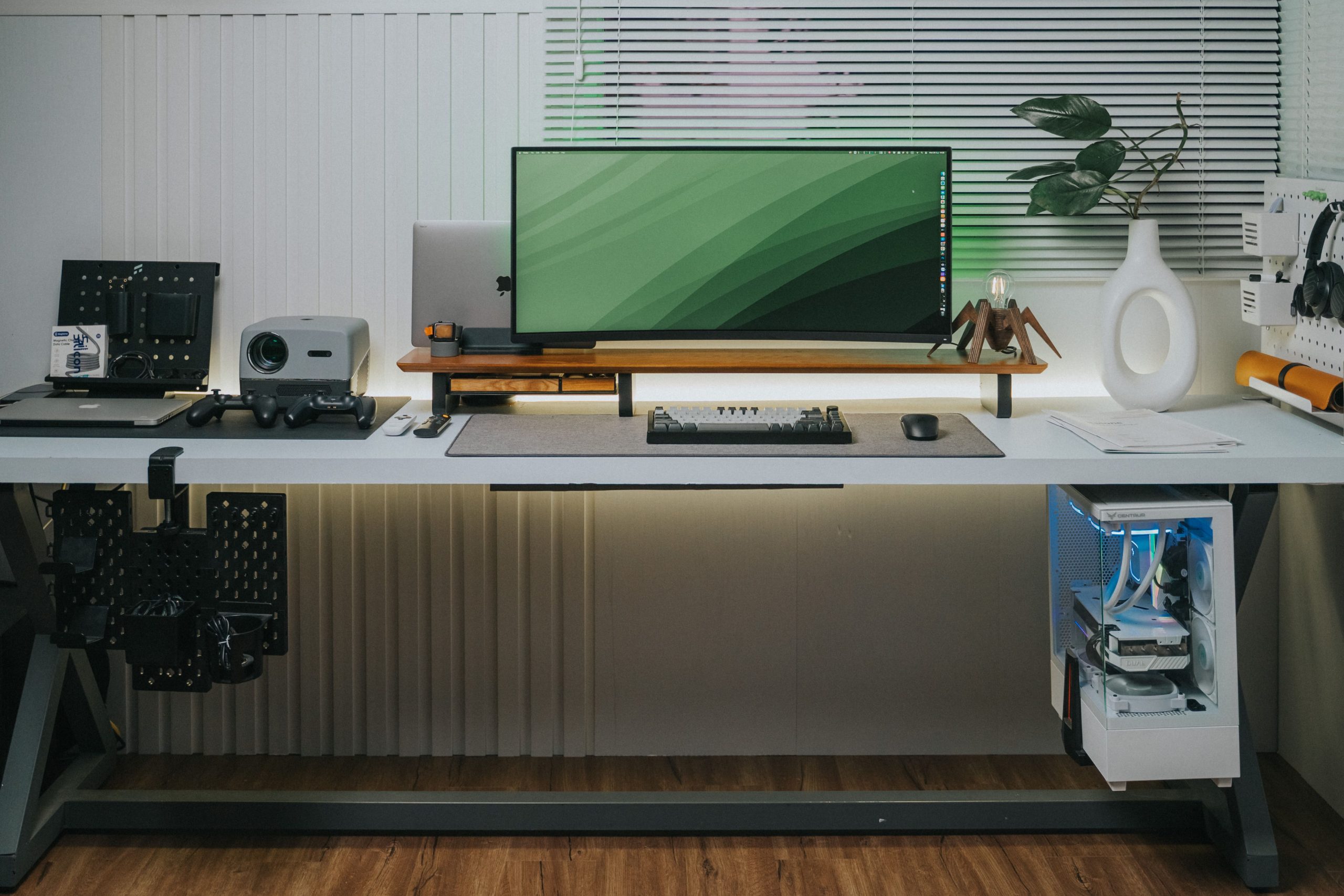
Static cable management rules do not work on height-adjustable workstations. If you cinch every wire tight to the frame while seated, the first time you elevate your desk to standing height, the dynamic tension will rip DisplayPort connectors from their sockets, shear power pins, or trip thermal safety limits on your motor controllers.
Proper standing desk cable management is not about hiding wires—it is an exercise in kinetic load management. Below are the four mechanical rules required to route dynamic cabling, calculate critical slack baselines, and eliminate sagging loops without risking connector failure.
Table of Contents
Standing Desk Cable Management Rule 1: The Centralized Single-Drop Principle
The primary point of failure in standing desk cable management occurs at peak elevation . Most users route their cables while seated at a comfortable 28 to 30 inches. When the desk elevates to a standing height of 45 to 48 inches, the distance between the moving desktop and the stationary wall outlet expands by up to 20 inches.
Without adequate mechanical slack, this vertical expansion creates two distinct failure modes:
- Port Yank (Axial Tension): As the desktop rises, cables pulling at sharp 90-degree angles exert horizontal shear force directly onto monitor inputs, PC motherboards, and docking stations. High-bandwidth DisplayPort and HDMI cables have delicate solder joints that fail under minimal axial strain.
- Pinch-Point Shearing (Descent Compression): When the desk lowers back to seated height, excess loose cord drops unpredictably behind the crossbars or telescoping lifting columns. If a cord slips between the frame bracket and the motor column, the downward thrust of a dual-motor frame (often exceeding 250 lbs of lifting force) will easily sever outer PVC insulation and crush inner copper conductors.
Rule 1: The Centralized Single-Drop Principle
Never run multiple individual power and display cords from the desktop down to the floor. Running independent cords from each monitor, computer tower, and desk lamp creates an unpredictable web of competing pivot points that constantly snag against desk legs and wall baseboards.
Instead, follow the Single-Drop Principle: everything on the desk surface must plug directly into an under-desk mounted power strip and docking station attached to the underside of the desktop. Only two lines should ever transition between the moving desk and the stationary floor:
- The main heavy-duty 14 AWG surge protector power cable.
- A single shielded Ethernet trunk line (or centralized data tether).
By transforming the desk into a self-contained electrical ecosystem, every monitor, peripheral, and charger rises and falls as a static unit. You only have to calibrate kinetic tension for one centralized umbilical cord. Implementing reliable standing desk cable management ensures that high-velocity elevation changes never pull connectors loose from desktop hardware.
Rule 2: Calculating the 15% Slack Service Loop
Calibrating cable length must always be performed at your desk’s absolute highest mechanical limit—not your personal standing height. If someone else hits the height controller’s maximum override, an uncalibrated cable will pull taut and snap.
To calibrate the dynamic service loop:
- Elevate the desk to its maximum motorized stroke (typically 48 to 50 inches).
- Anchor the umbilical bundle to the rear desktop frame using an industrial screw-down strain relief clamp or heavy-duty velcro anchor.
- Run the bundle down toward your stationary wall outlet or floor raceway.
- Add exactly 15% additional length beyond the straight line-of-sight distance to the floor box. This extra 4 to 6 inches prevents thermal binding, avoids cold-temperature cord stiffness, and ensures zero axial strain on the wall outlet prongs. A primary goal of effective standing desk cable management is maintaining proper slack distribution across every stage of column lift.
Rule 3: Articulating Vertebrae vs. Braided Sleeves
Managing the umbilical cord drop requires controlling how the cable folds when the desk descends. Two main solutions exist for commercial workstations:
Selecting the right standing desk cable management system depends heavily on whether your frame moves against an open wall or a shared raceway. Investing in purpose-built standing desk cable management hardware prevents heavy charging bricks from dropping and causing localized wire tension.
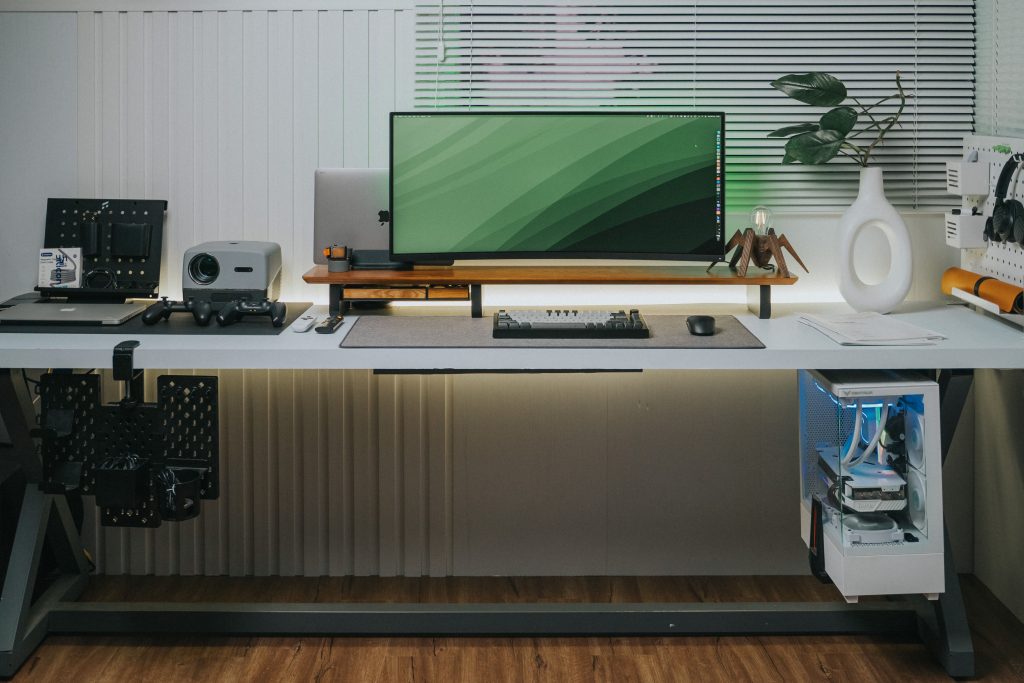
| Feature | Articulating Cable Spine (Vertebrae) | Split Braided Cable Sleeve |
|---|---|---|
| Fold Trajectory | Strict, linear S-curve folding via rigid joints | Flexible, semi-loose loop requiring gravity clearance |
| Snag Protection | High (Encased inside ABS plastic segments) | Moderate (Can hook on frame gussets if loose) |
| Weighted Base | Includes heavy cast-iron or steel floor anchor | None (Requires separate floor routing adhesive) |
| Wire Capacity | Fixed internal channel slots (2 to 4 quadrants) | Expandable (Accommodates thick bundle diameters) |
For setups placed against flat walls, a weighted articulating cable spine provides the highest structural safety because its segmented design physically prevents cords from bending beyond their minimum bend radius or wandering into the lifting columns. If you are using an open wire basket beneath the desk, pairing it with a heavy-duty under-desk wire tray keeps all excess brick adapters stationary during elevation cycles.
Rule 4: High-Voltage and Data Line Isolation
A common mistake in workstation cable bundling is running high-draw AC cords directly parallel to low-voltage display and peripheral lines inside the same tight sleeve. Unshielded 120V/240V power lines generate electromagnetic fields that induce noise in high-frequency video cables, resulting in intermittent screen flicker, audio dropouts, and docking station disconnects.
- Maintain Physical Spacing: Where possible, route AC power cables along one side of the under-desk tray and high-speed data lines (DisplayPort, HDMI, USB-C) along the opposite side.
- Cross at 90 Degrees: When high-voltage lines must intersect low-voltage data cables, route them at perpendicular 90-degree angles rather than running them parallel to minimize inductive coupling.
- Isolate Transformer Bricks: Heavy laptop chargers and external power supplies run warm under load. Fasten them securely against ventilated wire mesh rather than tightly wrapping them inside solid neoprene wraps, which traps heat and triggers thermal degradation.
Pre-Flight Height Calibration Checklist
Before locking in your cable routing and tightening zip anchors, run your desk through this dynamic safety test:
- Raise the desk to 100% maximum stroke height while observing all monitor cables. Ensure no cable becomes fully taut or pulls against its connector.
- Lower the desk to its lowest mechanical floor limit. Verify that the descending cable spine or sleeve coils outward into open space rather than collapsing between the motor housing and crossbar.
- Wiggle the main monitor arm to ensure the cable bundle does not restrict full arm articulation or exacerbate frame vibration (review our guide on stabilizing standing desk frame vibration for proper monitor arm clamp torques).
Executing clean standing desk cable management ensures full vertical travel range without risking port damage or electrical fire hazards.