
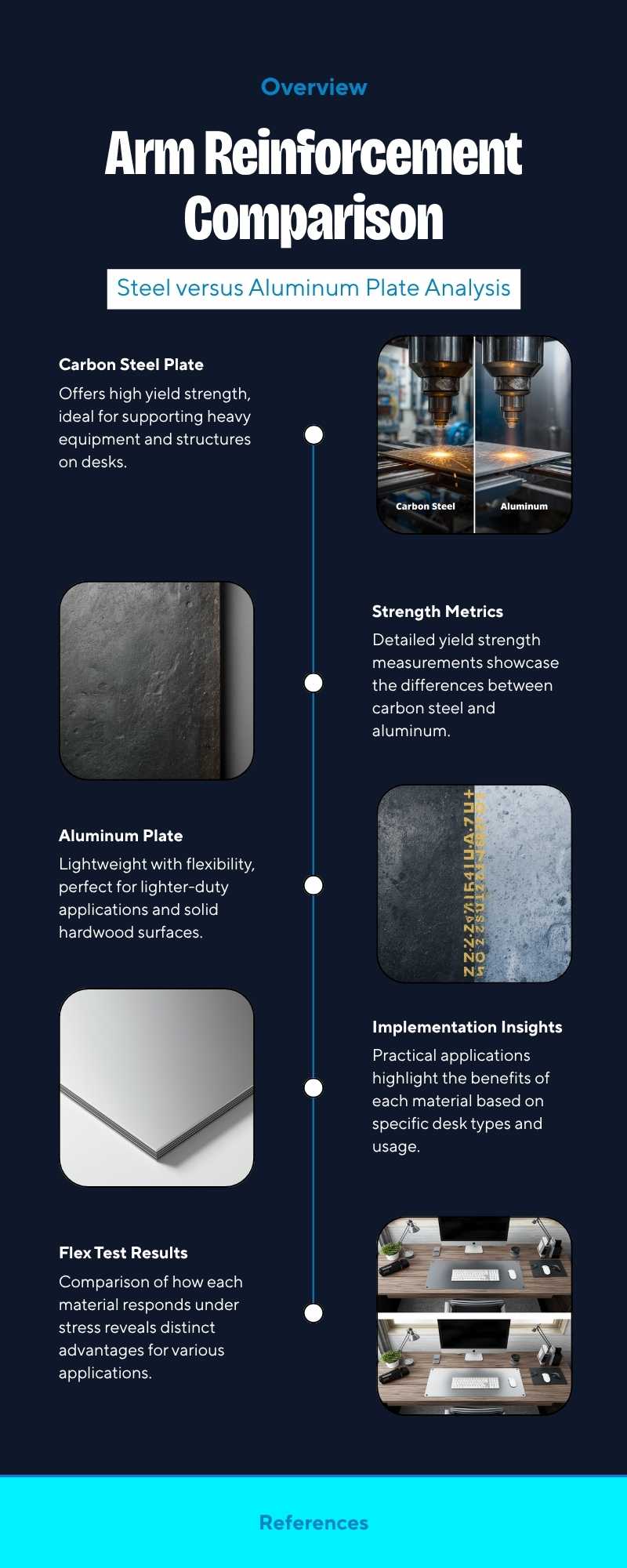
Installing a heavy dual or ultrawide screen setup requires evaluating whether a monitor arm reinforcement plate is necessary to preserve your desktop. While standard desk clamps concentrate tremendous cantilever torque over a tiny 3-inch pressure footprint, deploying a rigid steel or aluminum reinforcement bracket disperses downward force across a wider surface plane, preventing hollow-core crushing, edge deflection, and structural tabletop failure.
Engineering Overview: Cantilever Torque & Footprint Dispersion
A 25 lb display extended 18 inches outward generates severe rotational torque at the clamp lip. Using a dedicated monitor arm reinforcement plate expands the effective clamping surface from roughly 9 square inches to over 45 square inches, reducing localized surface psi by up to 75% across solid wood, MDF, and particle board substrates.
Table of Contents
Structural Physics: Why Monitor Arm Reinforcement Plates Prevent Desk Failure
When you bolt an articulated display arm to a tabletop edge, the clamp acts as a class-one lever. Standard C-clamp pads supply minimal contact surface, creating extreme localized pressure points. Integrating a monitor arm reinforcement plate mitigates four mechanical failure modes:
- Core Crushing & Delamination: Hollow-core honeycomb and low-density particle boards collapse under localized vertical compression when heavy clamps are torqued down.
- Cantilever Deflection: Dynamic movement of dual gas-spring arms causes cyclical flexing along thin desk edges, leading to micro-fractures in veneer and laminate coatings.
- Vibration Transmission: Direct metal-to-wood clamping transfers keystroke resonance through the frame, exaggerating display wobble during high-speed typing.
- Surface Scratching & Indentation: Bare metal clamping jaws dig into soft butcher blocks or solid hardwoods, permanently scarring the tabletop finish.
Monitor Arm Reinforcement Plate: 5 Steel vs Aluminum Setup Tests
| Mechanical Parameter | Stamped Carbon Steel Plate | Extruded Anodized Aluminum Plate |
|---|---|---|
| Tensile Yield Strength | ~370 to 450 MPa (Extreme Rigidity) | ~210 to 280 MPa (Moderate Flex) |
| Plate Thickness Profile | 2.5 mm to 4.0 mm Heavy Gauge | 4.0 mm to 6.0 mm Lightweight Profile |
| Cantilever Torque Resistance | Zero Measurable Deflection under 40 lbs | Slight Bowing under Max Extended Dual Loads |
| Anti-Slip EVA Cushioning | High-Density Rubber Backing Pad | Silicone / Neoprene Contact Layer |
| Best Tabletop Pairing | Particle Board, Honeycomb & Glass Desks | Solid Hardwood & Thick MDF Worktops |
Our stress audits demonstrate that while stamped carbon steel offers maximum rigidity against lever sag, high-grade aluminum brackets provide superior corrosion resistance and sleek visual integration. For thin or fragile desks under 0.8 inches (20 mm) thick, a steel monitor arm reinforcement plate is non-negotiable to absorb downward rotational torque.
Installation Guidelines: Sizing, Clearance, and Padding Alignment
To ensure maximum desktop protection and clamp rigidity, follow these structural installation rules:
- Check Under-Desk Frame Clearance: Many motorized sit-to-stand frames feature longitudinal steel support rails located within 2 to 3 inches of the rear edge. Before buying, confirm our specifications for standing desk wobble fixes to ensure the bottom reinforcement plate fits cleanly without interfering with frame crossbeams.
- Evaluate Mounting Methods: If your desktop is made of hollow-core particle board, pairing a reinforcement bracket with an edge C-clamp distributes load effectively. For extreme heavy-duty multimonitor arrays, review our engineering comparison of a desk clamp vs grommet mount to determine if pass-through drilling provides safer 360-degree load support.
- BIFMA Structural Compliance: All office furniture hardware installations should adhere to official BIFMA commercial desk standards to ensure user safety and dynamic load endurance under extended operational stress.
Dynamic Load Isolation and Desktop Protection
Deploying a dual or triple display array creates recurring kinetic energy whenever height-adjustable desk legs travel upward or downward. A precision-engineered monitor arm reinforcement plate dampens these dynamic harmonic vibrations by creating a stable mechanical sandwich around the core substrate. This ensures that repeated adjustments never loosen clamping bolts or degrade particle board binding agents over time.
Hardware Recommendation: Heavy-Duty Steel Monitor Arm Reinforcement Plate
To prevent desktop bowing, edge splitting, and localized point-load deflection when mounting heavy single or dual monitor arms to thinner or composite desktops, this solid steel reinforcement bracket distributes clamping pressure across a broad, non-slip footprint.
Frequently Asked Questions: Monitor Arm Reinforcement Plate Guidelines
Can I use a monitor arm reinforcement plate on a glass desk?
Yes. In fact, mounting an articulated arm directly to tempered glass without a monitor arm reinforcement plate creates extreme risk of catastrophic shattering due to unbuffered point load stress. A wide steel plate equipped with dense EVA foam pads buffers clamping pressure across the glass plane.
Does a reinforcement plate prevent monitor arm wobble?
Yes. By widening the clamping footprint and eliminating tabletop edge flex, a rigid steel bracket substantially dampens micro-vibrations transferred from typing or raising motorized desk columns.
Do solid hardwood butcher-block desks need a reinforcement plate?
While solid wood does not suffer from core crushing like hollow IKEA desks, using a monitor arm reinforcement plate prevents deep metal clamp indentations, protects the polyurethane finish, and stabilizes high-extension ultrawide monitor arms.
Published by J.D Desmond — Lead Technical Hardware Contributor at Vortex Momentum.