
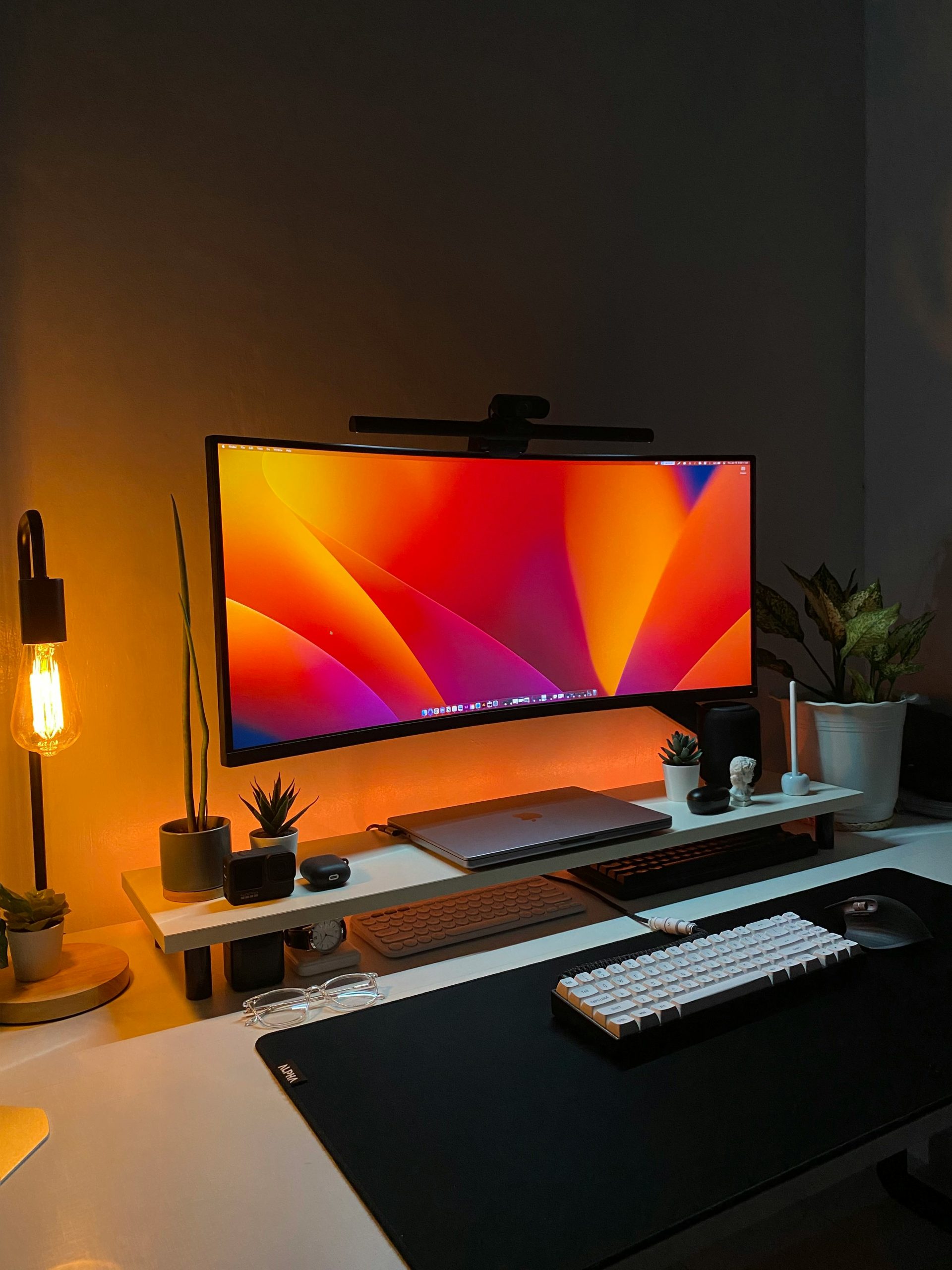
When deciding between an ultrawide desk mount vs dual arm configuration, standard payload ratings tell only half the story. While modern gas-spring and mechanical arms rate individual brackets up to 35 or 40 pounds, suspending a single 49-inch curved display creates radically different cantilever torque vectors than positioning two independent 27-inch monitors.
Engineering Overview: The Center of Gravity Dilemma
An ultrawide display concentrates its center of gravity inches forward from the VESA plate due to extreme panel curvature (1000R to 1800R). Evaluating an ultrawide desk mount vs dual arm system requires balancing point-load clamp torque against desktop core deflection limits.
Table of Contents
Ultrawide Desk Mount vs Dual Arm: Rotational Deflection and Torque Math
The mechanical difference between an ultrawide desk mount vs dual arm build centers on how gravitational mass translates into torsional stress at the desk clamp. A standard dual-monitor arm holds two screens weighing 10 to 14 pounds each, allowing users to angle the displays inward and bring the total mass closer to the central mounting pole.
Conversely, an ultrawide display (such as a 34-inch, 38-inch, or 49-inch curved monitor) pushes its mass outward horizontally and forward along an arc. The forward shift in the center of gravity acts as a multiplier: every millimeter of cantilever extension increases rotational torque on the desk clamp according to standard cantilever load mechanics:
Cantilever Torque Calculation:
Torque (τ) = Mass (m) × Gravity (g) × Fulcrum Distance (L)
Where L represents the horizontal distance from the desktop mounting clamp to the display panel’s center of mass.
Because extreme curvature shifts the panel’s center of mass up to 4 inches forward from the VESA bracket, an ultrawide setup generates substantially higher clamp torque than a dual-monitor setup of identical total weight.
Core Mechanical Comparison: Load Distribution & Stability
To eliminate secondary screen deflection on height-adjustable frames, implement our engineering guide to standing desk wobble fixes before mounting heavy displays.
| Engineering Factor | Single Ultrawide Desk Mount | Dual Arm Mount |
|---|---|---|
| Point-Load Concentration | Severe (single clamp fulcrum) | Moderate (shared or split base) |
| Tilt Hinge Slippage Risk | High (requires heavy-duty pivot head) | Low to Moderate |
| Typing Resonance / Wobble | Amplified along the horizontal width | Isolated to individual arms |
| Minimum Desktop Thickness | 1.0 in (25mm) solid core recommended | 0.75 in (19mm) standard core |
Selecting Between an Ultrawide Desk Mount vs Dual Arm
Before securing heavy displays to a motorized sit-stand frame, evaluate desktop core integrity. Mounting a 49-inch super-ultrawide onto hollow honeycomb paperboard or thin particleboard risks desktop crush failure under high point loads. For reinforced stability, always inspect whether your desk surface meets standard VESA Flat Display Mounting Interface standards and mechanical load specifications.
Choosing the right ultrawide desk mount vs dual arm configuration ultimately depends on your screen width and desktop core density:
- Choose a Heavy-Duty Ultrawide Mount: If using a 34″ to 49″ curved panel with a solid hardwood or butcher-block top capable of withstanding concentrated downward clamp force.
- Choose a Dual Arm System: If using two independent 24″ to 32″ flat monitors where individualized focal depth, tilt angles, and balanced load distribution are required.
Clamp Fulcrum Reinforcement: Mitigating Desktop Surface Compression
Beyond calculating monitor mass, you must evaluate the surface material where the clamp engages. Modern manufactured desktops constructed from hollow honeycomb paperboard or low-density particleboard cannot withstand high point loads. When securing an ultrawide desk mount vs dual arm assembly, the concentrated fulcrum pressure can crush internal wood fibers over time, creating localized sagging and permanent monitor wobble.
To distribute clamping force safely across a wider surface area, install steel reinforcement plates between the clamp bracket and the desktop underside. Spreading the compressive load across a 6-to-8-inch steel plate reduces shear stress, protects softer solid woods from denting, and ensures rigid frame stabilization during height adjustments.