
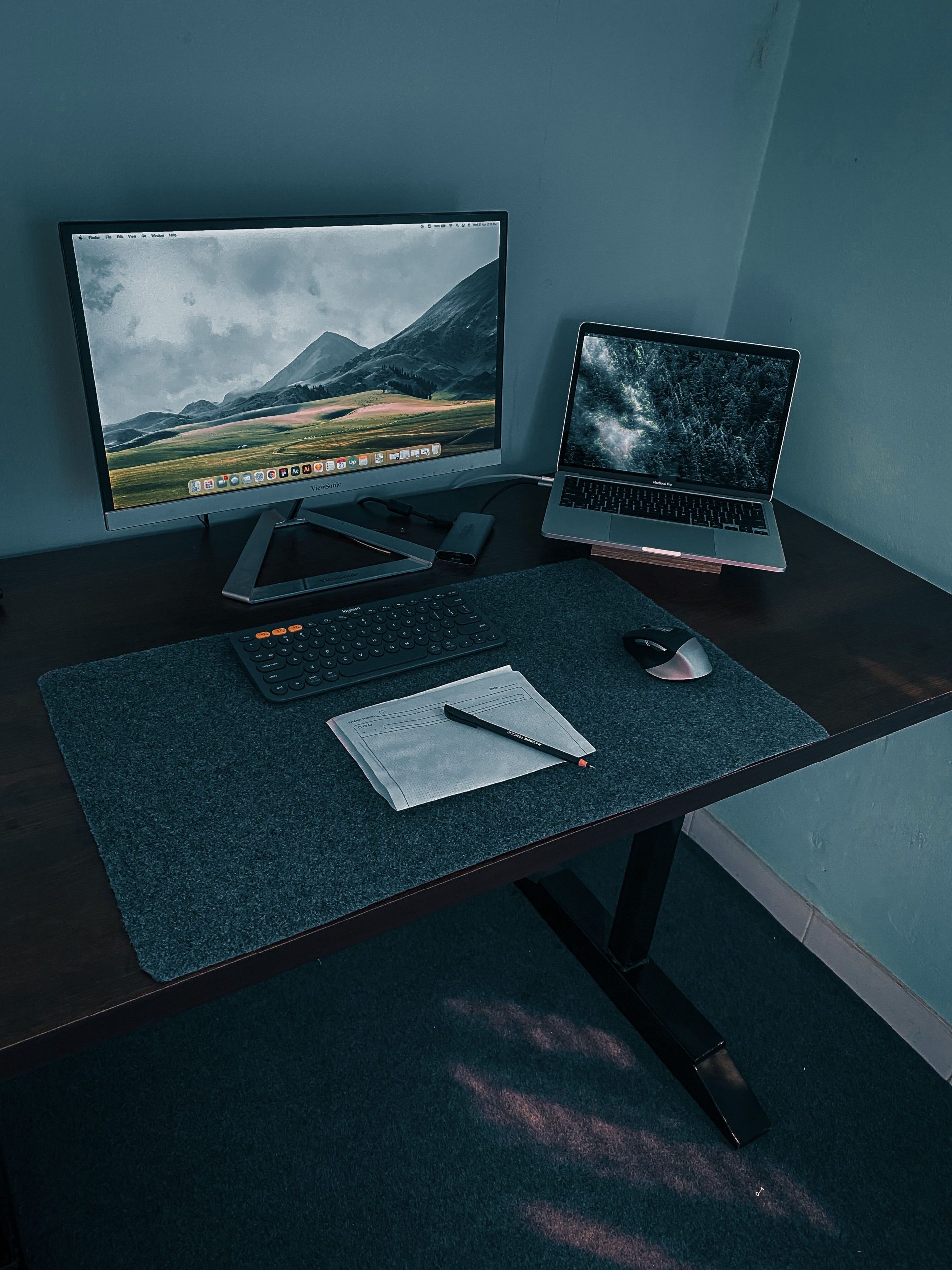
Investing in an electric desk solves the sedentary problem, but choosing the right anti fatigue mat for standing desk setups bridges the gap between active work and joint preservation.
While early standing accessories were limited to simple industrial rubber pads, modern active workspaces now feature high-density polyurethane and active 3D contoured profiles. In this ergonomic analysis of flat vs topographical designs, we evaluate dynamic movement encourage, pressure relief, and long-term durability so you can select the ideal mat to extend your daily standing endurance.
Table of Contents
The Biomechanics of Standing: Why Bare Floors Trigger Premature Fatigue
Static standing on hard tile, hardwood, or low-pile commercial carpet is significantly more metabolically taxing than dynamic movement. When an engineer stands completely stationary at a workstation, venous blood pools in the lower extremities due to gravity. The heart must work against hydro-static pressure to circulate deoxygenated blood back from the soleus and gastrocnemius muscles upward to the torso.
Using an engineered anti fatigue mat for standing desk setups introduces targeted micro-instability, activating the calf pump and restoring healthy lower-body circulation.”
Without micro-movements, the body relies on static muscle contractions to maintain balance. This produces sustained mechanical load across the plantar fascia ligament, Achilles tendon, and lumbar spine. Over an 8-hour shift, this prolonged static strain triggers common musculoskeletal complaints:
- Plantar Fasciitis: Micro-tears along the fibrous tissue supporting the arch from continuous heel-strike compression.
- Venous Pooling & Edema: Fluid accumulation in feet and ankles resulting from inactive calf muscle pumps.
- Pelvic Anterior Tilt: Lower back compression caused by quad fatigue and locked knee joints.
An ergonomic anti fatigue mat for standing desk setups introduces targeted micro-instability. The engineered foam material compresses slightly under dynamic foot pressure, forcing tiny, involuntary contractions in your calves and stabilizer muscles. This dynamic engagement acts as a secondary vascular pump, restoring natural blood flow and eliminating joint compression.
Here is how different profiles compare when selecting an anti fatigue mat for standing desk environments:
Flat vs Contoured Standing Mats: Specification Comparison
| Engineering Spec | Flat High-Density Foam | Topographical 3D Mat | Impact on Ergonomics |
| Primary Mechanism | Impact shock absorption | Active multi-angle micro-movement | Relieves heel strike vs activates calf pump |
| Optimal Footwear | Barefoot, socks, or flat shoes | Barefoot or socks only | Incline ramps require direct tactile grip |
| Desk Chair Integration | Easy to slide or roll over | Requires manual clearance | High ridges block office chair casters |
| Endurance Window | 45–60 minutes per session | 90–120+ minutes per session | Varying elevation prevents joint lock |
The 5 Best Tested Anti Fatigue Mats for Standing Desks
When evaluating each anti fatigue mat for standing desk integration, we weighed material rebound resilience against long-term edge durability.
1. Ergodriven Topo: Best Overall Topographical Design
The Ergodriven Topo remains the gold standard for active terrain standing. Molded from premium polyurethane with a durable outer skin, it features a calculated rear calf-stretch ramp, side driving rails, and a central teardrop ball. The layout encourages continuous, unconscious weight shifting without disrupting your typing rhythm or concentration.
2. CumulusPRO Commercial Grade: Best Heavy-Duty Flat Mat
For users who wear dress shoes or switch back and forth between an ergonomic stool and standing mode, the CumulusPRO provides extreme durability. Its single-piece solid polyurethane core resists bottoming out even under high-load shifts, and the 2:1 beveled edges eliminate edge curling and trip hazards in tight spaces.
3. Fully Jarvis / Herman Miller Active Mat: Best for Compact Frames
Engineered specifically for minimal sit-stand footprints, this contoured mat incorporates subtle peripheral inclines and high-traction surface dimples. It strikes a balance between dynamic topography and compact geometry, making it easy to stow beneath crossbars when low-clearance dual-motor frames lower to sitting height.
4. Sky Solutions Oasis Mat: Best Budget Flat Solution
Built with a balance of comfort foam and high-density poly layers, the Oasis delivers reliable baseline pressure reduction for remote developers getting started with standing setups. While softer than industrial mats, its embossed non-slip bottom prevents lateral sliding across smooth laminate and polished hardwood.
5. CubeFit Terramat: Best Maximum Active Terrain
With 11 distinct 3D features—including acupuncture massage mounds, balance wedges, and power-wedge inclines—the Terramat is designed for maximum kinetic stimulation. It is ideal for active fidgeters who prefer dynamic posture changes over static stationary standing.
Integrating Standing Mats into an Ergonomic Workflow
A supportive floor surface is only half of the workstation equation. Pair your mat with an adjustable height desk—such as a motorized frame or a sturdy converter (see our detailed breakdown on standing desk converter vs full standing desk)—to alternate intervals every 45 to 60 minutes.
Additionally, align your upper-body mechanics to prevent shoulder shrugging and forearm pronation. Setting your keyboard tray at elbow level and utilizing an ergonomic pointing device (explore our review of Logitech Lift vs MX Vertical) ensures neutral posture from your soles all the way up to your neck. For general workplace safety benchmarks, consult the official OSHA Computer Workstations guidelines to verify proper monitor line-of-sight and joint angles.
Dynamic floor terrain complements a properly aligned input surface; review our guide to mechanical keyboards for programming to reduce upper-limb tension alongside lower-body fatigue.
Frequently Asked Questions About Anti Fatigue Mat for Standing Desk Setups
Can you wear shoes on a topographical anti fatigue mat?
While flat anti fatigue mats work well with supportive athletic shoes, topographical terrain mats perform best barefoot or in socks. Barefoot contact allows your arches, toes, and heels to properly grip the ramps, massage peaks, and wedges.
How thick should an anti fatigue mat for a standing desk be?
The optimal thickness sits between 0.625 inches (5/8″) and 0.75 inches (3/4″) for an anti fatigue mat for standing desk use. Mats thinner than 0.5 inches bottom out under heel load, while mats exceeding 1 inch create unstable footing and increase knee joint fatigue
How do I store my standing mat when lowering my desk to sit?
Flat mats can easily be nudged backward under the desk frame with your foot. Topographical mats with high ridges often require bending down to slide them aside so your chair casters do not pinch the foam skin.