
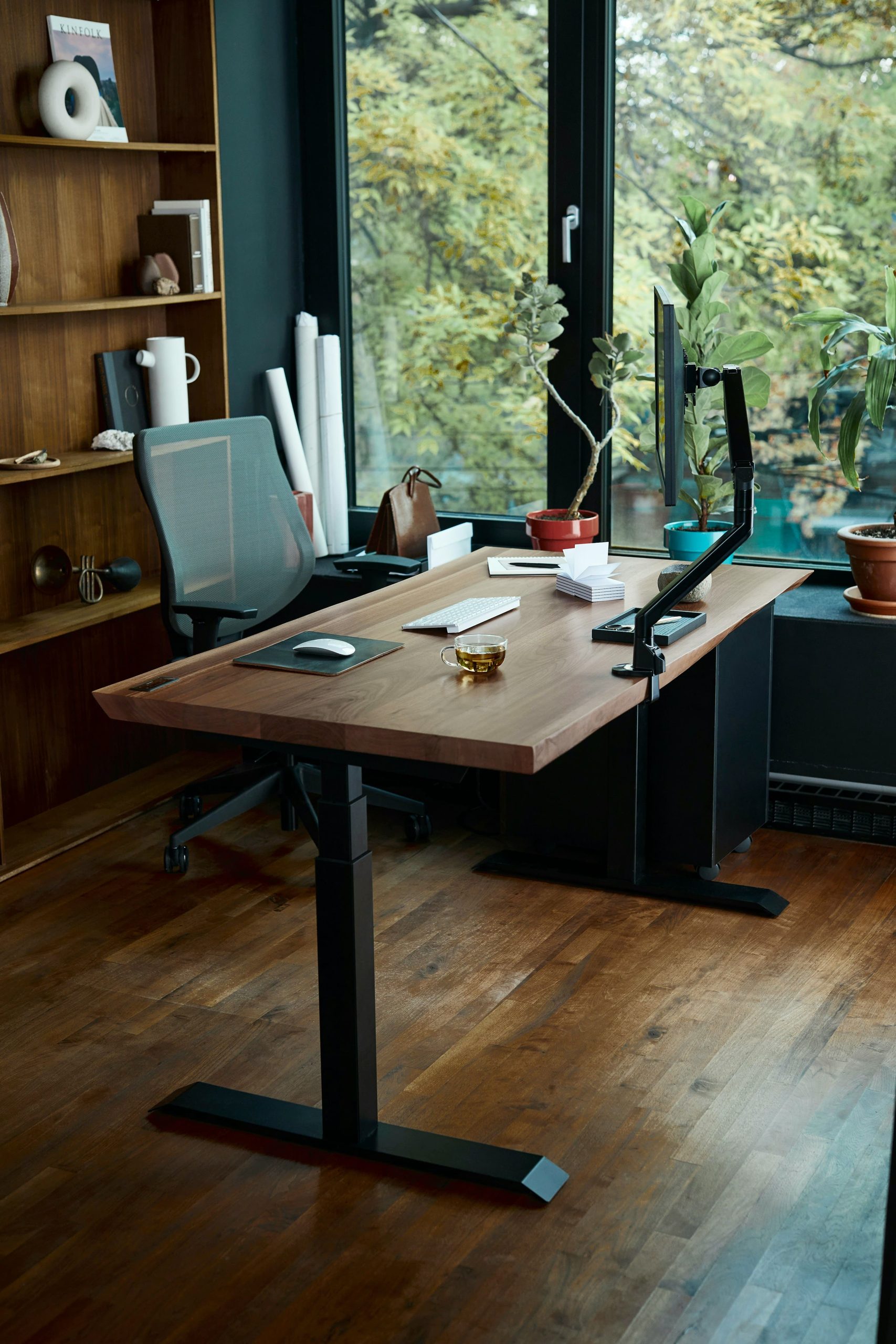
When comparing a standing desk crossbar vs t-frame workstation, stability at high elevation is the critical factor. You spend weeks configuring your workspace, torque down your heavy-duty monitor arms, program your preferred standing height on the handset, and step back to admire your new setup. But the moment you raise the desktop past 42 inches and begin typing, an irritating issue appears: every keystroke sends a rhythmic, resonant shudder through your mechanical keyboard, up your display poles, and across your monitors.
Table of Contents
This frustrating oscillation is known as high-elevation kinetic sway. In most cases, it has nothing to do with loose mounting bolts or unbalanced floor leveling pads. Instead, it is an unavoidable consequence of structural geometry and Newtonian lever dynamics.
When analyzing a standing desk crossbar vs t-frame base, engineers face a fundamental structural design decision between open knee clearance and reinforced lateral bracing. In this mechanical analysis, we evaluate the biomechanical loads, shear racking forces, telescoping column overlaps, and hardware configurations required to eliminate workspace wobble once and for all.
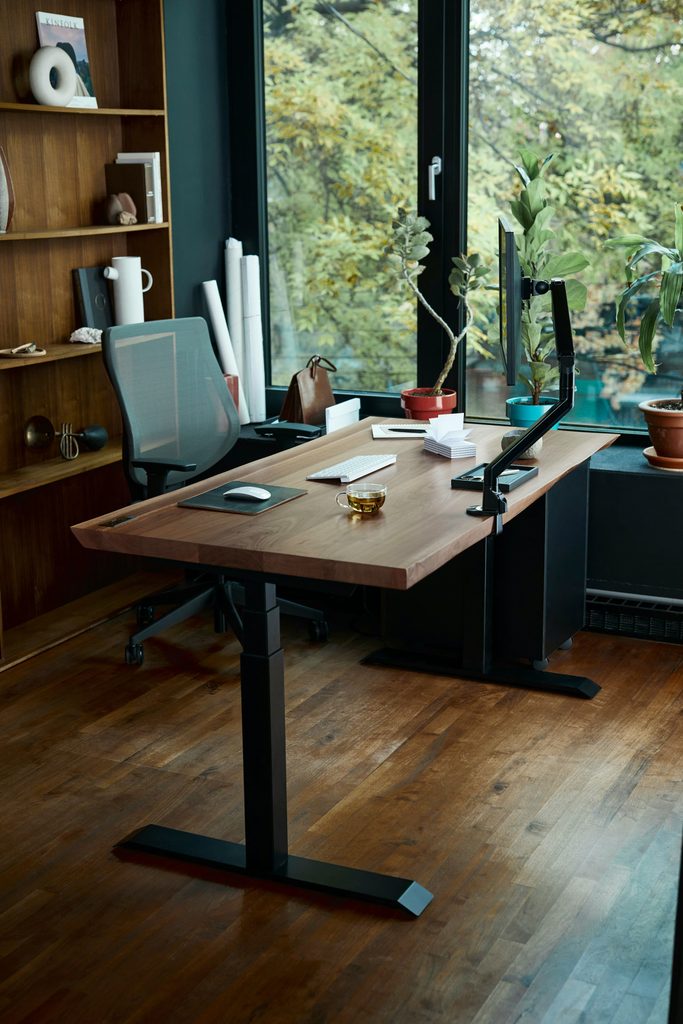
1. The Mechanical Anatomy of Desk Wobble: X-Axis vs. Y-Axis Deflection
To eliminate standing desk instability, you must first diagnose which directional plane is failing under dynamic typing loads. Workspace deflection operates across two primary mechanical axes:
- The Y-Axis (Front-to-Back Pitch): This deflection manifests when leaning forward on the front chamfer or applying wrist pressure to your palm rest. It represents cantilever sag governed by foot bracket length, top plate bracket depth, and linear bearing tolerances inside the leg sleeves.
- The X-Axis (Side-to-Side Racking / Lateral Shear): This motion occurs when vigorous typing, mouse acceleration, or lateral bumps create a pendulum swing. The vertical columns flex inward or outward relative to one another, translating micro-movements at the floor into substantial horizontal travel at desktop elevation.
Understanding the mechanical differences in a standing desk crossbar vs t-frame workstation is essential before investing in heavy display arms.
The Tall Workstation Lever Arm Principle:
Deflection moment is directly proportional to column height multiplied by dynamic typing force. At a seated height of 28 inches, the moment arm is relatively short, and lateral deflection remains beneath human perception thresholds. When elevated to 46 inches for a tall developer, that same moment arm increases by over 64%. Without structural triangulation, even standard keystroke impact creates visible resonant oscillation at the monitor bezel.
2. Why Standard 2-Stage T-Frames Suffer at High Elevation
When analyzing a standing desk crossbar vs t-frame setup,In any standing desk crossbar vs t-frame evaluation, standard motorized T-frames remain popular because they provide clean aesthetics and unrestricted knee clearance. . In a T-frame configuration, the lifting columns mount centrally along the horizontal foot and desktop support brackets, forming an inverted “T”.
However, basic entry-level T-frames suffer from a critical structural flaw at heights above 40 inches: insufficient telescoping column overlap.
The Column Overlap Failure Mode
Budget frames typically utilize a 2-stage column (two nested steel tubes). When lowered to seated positions, both tubes overlap almost entirely. But as you elevate toward the upper threshold of the frame (44 to 48 inches), the internal nested segment reduces to a narrow overlap margin of just two to three inches.
This narrow overlap concentrates high rotational shear forces against internal nylon glide pads. As the pads compress under the cantilevered weight of a solid desktop, heavy-duty monitor arms, and computer gear, joint play emerges. The frame acts like a tuning fork—amplifying tiny wrist taps into noticeable screen shake.
For more details on mitigating mounting leverage issues on top of your frame, refer to our comprehensive engineering breakdown in the Heavy-Duty Monitor Arm Guide.
3. Structural Triangulation: How Crossbars Kill Racking Sway
In structural engineering, four-sided rectangular frames with corner joints are inherently susceptible to parallelogram racking. When lateral force hits the desktop, square frames deform sideways into parallelograms unless braced by diagonal trusses, boxed columns, or intermediate horizontal ties.
A lower or mid-tier stability crossbar is a rigid steel beam that mechanically connects the left and right lifting columns between 8 and 18 inches above the floor. In any debate regarding a standing desk crossbar vs t-frame, this bar provides three structural advantages:
- Rotational Moment Lockout: Instead of allowing each column to act as an independent vertical lever, the crossbar binds them into a unified structural box, forcing both columns to resist lateral loads collectively.
- Reduced Joint Strain: The crossbar absorbs shear loads before they transfer downward to the welded base footplate joints, minimizing weld fatigue.
- Raised Natural Resonance Frequency: By stiffening the frame structure, a crossbar shifts the desk’s resonant frequency above the cadence of normal human typing (2 to 4 Hz), preventing rhythmic oscillation.
The Engineering Trade-Off: Ergonomic Knee Clearance
While crossbars effectively counter lateral racking, they introduce an ergonomic trade-off: shin obstruction. If a crossbar sits between 10 and 14 inches above the floor, taller users may bang their shins or knees when seated or stretching out their legs. This ergonomic tension is the core debate in a standing desk crossbar vs t-frame setup: open lower-body clearance versus ultimate lateral anti-racking stiffness.
The engineering performance of a standing desk crossbar vs t-frame base becomes most apparent when examining column nesting tolerances.
4. 3-Stage Telescoping Columns vs. Box & Crossbar Frames
If you prefer to avoid a low crossbar that restricts legroom, the modern engineering alternative is upgrading to a 3-stage inverted or traditional telescoping column with synchronized dual motors.
Unlike a 2-stage frame, a 3-stage column nests three distinct cold-rolled steel tubing segments. This architecture maintains substantial internal overlap across its dual internal nylon glide rings even at maximum extensions (46 to 50 inches). By distributing lateral moment forces across two separate joint interfaces, a well-built 3-stage frame delivers the lateral stability of a crossbar system without obstructing your foot space.
| Structural Parameter | Standard 2-Stage T-Frame | 3-Stage Heavy-Duty T-Frame | Commercial Crossbar / Box Base |
|---|---|---|---|
| Column Architecture | 2 Nested Tubes | 3 Nested Tubes | Reinforced Columns + Rigid Tie Bar |
| X-Axis Anti-Racking | Low (Prone to swaying) | High (Deep glide nesting) | Maximum (Braced box frame) |
| Overlap at 44″+ Height | 2.0″ to 3.0″ (Critical minimum) | 5.5″ to 7.5″ (Rigid) | 4.5″ to 6.5″ + Tie-bar lock |
| Under-Desk Shin Clearance | 100% Unobstructed | 100% Unobstructed | Restricted (Mid-height bar) |
| Recommended User Height | Under 5’9″ | 5’4″ to 6’5″ | 5’8″ to 6’6″ (Rigid workstations) |
To verify that your motorized frame and keyboard datum match your personal anthropometric profile, calculate your exact standing eye line and elbow height using our free Interactive Ergonomic Desk Height Calculator.
5. Hardware Recommendations: Standing Desk Crossbar vs T-Frame Stability
When deciding between a standing desk crossbar vs t-frame for your setup, here is how the top commercial frames compare in real-world stability.
6. Four Assembly Rules to Eliminate Residual Frame Deflection
Whether building a standing desk crossbar vs t-frame workstation, improper assembly practices can introduce artificial sway into even the stiffest columns. Follow these four structural checks during installation:
- Check Leveling Foot Extension: Threaded adjustable leveling feet under desk legs are a common point of instability. If you back a leveling stud out more than 0.5 inches from the bottom plate, you introduce lateral shear wobble at the floor interface. Always keep leveling feet screwed in as tight to the steel footplate as possible.
- Torque Top Frame Fasteners to Solid Substrates: Fastening into hollow-core honeycomb particleboard creates microscopic screw loosening over time. Use dense substrates like solid bamboo, dense MDF, or solid hardwood butcher blocks to anchor the top frame rails firmly.
- Balance the Desktop Center of Gravity: Heavy dual or triple monitor mounts clamped to the rear edge shift the desk’s center of gravity backward. Center your gear symmetrically over the lifting columns to balance load distribution across both internal column glide bearings.
- Seat Carpet Spikes on Deep Pile Rugs: Placing a high-elevation standing desk on plush carpet allows the soft under-pad to act as a compression spring. Use solid furniture cups or rigid floor mats to anchor the feet directly against the solid subfloor.
Summary & Final Verdict: Standing Desk Crossbar vs T-Frame
If your daily work involves standing at elevations above 42 inches, an entry-level 2-stage desk frame will produce noticeable monitor shake. While commercial lower crossbars offer maximum lateral rigidity, they do so at the cost of your seated knee clearance.
In the final evaluation of a standing desk crossbar vs t-frame, upgrading to an engineered 3-stage dual-motor frame—such as the VIVO DESK-V103E—delivers the optimal balance : retaining complete ergonomic legroom while delivering the column overlap required for wobble-free typing throughout the workday. When higher load margins and expansive desktops take precedence, pairing high-capacity dual-motor architecture gives you the rigidity needed to maintain display stability at full extension.