
When engineering an ergonomic sit-stand workstation, choosing the right under-desk cable management raceway is essential to eliminate cord clutter, isolate sensitive signals, and safeguard dynamic motor travel. While open floor spaces look pristine at static desk heights, raising a motorized frame introduces tension points that can pull cables loose or damage computer ports. Implementing a structured raceway channel provides the structural foundation required for long-term cable health and workstation safety.
Table of Contents
Hardware Recommendation: Under-Desk Cable Management Raceway
For commercial-grade under-desk cable management raceway installations, a heavy-duty steel wire channel provides the rigid structural support needed to isolate power bricks and eliminate cable drop tension across sit-stand height cycles.
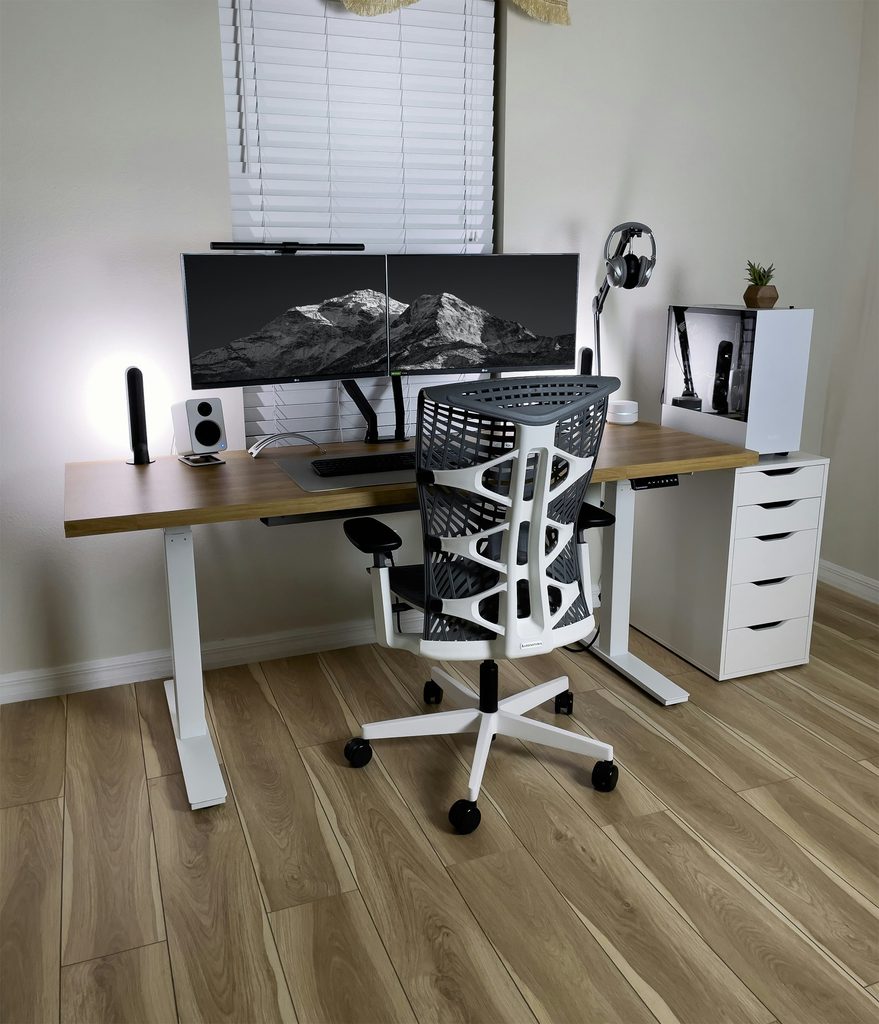
1. Kinetic Clearance and Service Loop Sizing
The primary point of mechanical failure on adjustable desks occurs at peak height extension. Installing an under-desk cable management raceway requires establishing an unconstrained umbilical service loop. Drive your desk to its absolute maximum stroke height before determining raceway placement. Allowing an extra 4 to 6 inches of slack guarantees your main power umbilical drops directly without putting mechanical shear on perimeter wall plugs or interface boards.
2. Electromagnetic Isolation and Signal Separation
Workstation electrification inside a dense under-desk cable management raceway presents significant electromagnetic interference (EMI) challenges. Routing high-wattage switch-mode power supplies directly beside unshielded audio cables or DisplayPort harnesses often results in audible ground hums or sporadic monitor blackouts. Establish a strict two-channel layout: segregate 120V/240V AC power feeds to one edge of the raceway, and run low-voltage DC data and display lines along the opposite edge.
3. Thermal Dissipation for High-Wattage Bricks
Modern laptops and docking hubs rely on GaN power supplies that generate localized hot spots during high sustained power delivery. An enclosed, unventilated plastic channel traps ambient thermal energy, driving operating temperatures past component safety thresholds. For proper workstation safety, ensure your under-desk cable management raceway incorporates an open wire or slotted steel profile compliant with OSHA electrical safety standards to encourage passive convective cooling around heavy transformers.
4. Under-Desk Cable Management Raceway Mounting Mechanics
For lighter installations, compare this setup against an under-desk cable management tray to decide whether an open wire basket or an enclosed raceway profile suits your workstation load.
Relying solely on adhesive foam tape to support loaded raceway channels inevitably fails as thermal cycles weaken standard glue polymers. Secure your raceway chassis directly into the core material of your desktop using coarse-threaded wood screws or threaded steel inserts. For desktop surfaces under one inch in thickness, pairing reinforcement plates with machine screws prevents pull-out fractures when accommodating heavy enterprise power surge distributors.
5. Dynamic Strain Relief and Drop-Point Anchoring
Every cable entering or leaving the under-desk cable management raceway must terminate at a mechanical strain-relief point. Fastening cords with reusable hook-and-loop ties at both exit boundaries prevents transient pull forces from tugging delicate terminal connectors. When paired with an articulating vertical cable spine or flexible braided sleeve, an under-desk cable management raceway guarantees continuous, snag-free transit across thousands of motorized elevation cycles.
6. Structural Rigidity and Weight Distribution Protocols
When loading an under-desk cable management raceway, dynamic load balance prevents mechanical deflection of the desktop core. High-density workstations often concentrate multi-outlet surge protectors, high-output USB hubs, and oversized AC/DC transformers within a single channel. Distribute weight symmetrically along the desk’s lateral axis rather than grouping power bricks toward the rear edge. Centering the raceway profile reduces rotational torque on the mounting hardware, preventing sagging and ensuring long-term structural integrity throughout repeated height adjustments.
7. Dynamic Flex Fatigue and Long-Term Conduit Thermal Management
Operating an under-desk cable management raceway on a height-adjustable workstation introduces long-term flexural mechanics that static desk setups never experience. When your motorized frame cycles repeatedly between sitting and standing heights, electrical conductors and high-bandwidth display leads flex continuously at the raceway exit boundaries. Standard polyvinyl chloride (PVC) jacketed cables are particularly susceptible to cold-working fatigue. Over months of dynamic travel, localized stress concentrations at unanchored drop points can cause internal copper strands to work-harden and shear, leading to intermittent power interruptions or high-frequency display flickering.
To mitigate cyclic strain, organize the interior layout of your under-desk cable management raceway using segregated longitudinal pathways. Keep heavy external power bricks positioned centrally along the lower chassis plate where passive convection currents are strongest. Never bundle low-voltage USB-C video or peripheral umbilical cords tightly against high-draw charging transformers. High-current switch-mode power supplies radiate electromagnetic fields and generate localized heat pockets that degrade plastic insulation over extended duty cycles. Maintaining a continuous physical gap of at least 1.5 to 2 inches between alternating current (AC) power distributors and direct current (DC) data feeds prevents thermal buildup while eliminating transient signal cross-talk.
Finally, conduct a quarterly mechanical audit of your entire under-desk channel. Inspect all primary chassis mounting screws to ensure vibration from high-torque dual motors has not backed fasteners out of the desktop substrate. Verify that your dynamic umbilical drop loop retains its gentle catenary curve without rubbing against sharp crossbars or snagging on leg lifting columns. Proactive tension management and structured thermal spacing ensure your cable raceway protects both delicate workstation components and heavy-duty frame hardware throughout thousands of elevation cycles.
8. Catenary Curve Sag Prevention and Umbilical Anchor Testing
Before concluding your installation, verify that the umbilical cable harness leaves the under-desk cable management raceway in an unrestricted catenary curve. If the main cord bundle drops at an acute 90-degree angle from the raceway lip, the outer conduit jacket will experience localized shear stress each time your workstation elevates. Fasten an adjustable secondary anchor clamp to the lower desk frame crossbar directly inline with the raceway exit. This secondary clamp isolates pulling forces, ensuring that your dynamic vertical cord track moves freely without dragging across sharp structural edges or stressing electrical interface connectors.
9. Structural Grounding and Static Dissipation Protocols
When consolidating multiple power supplies inside an under-desk cable management raceway, grounding integrity protects sensitive computer hardware from electrostatic discharge (ESD). Commercial standing desk frames generate low-voltage friction charges as lifting columns telescope through steel guide sleeves. In environments with dry air or synthetic floor carpets, this static charge can migrate toward ungrounded metal cable conduits.
To ensure continuous electrical safety, bond your steel under-desk cable management raceway directly to the desk’s main ground path or the grounded chassis of your primary surge protector. Fastening an external grounding strap with a star lock washer pierces the powder-coated finish, establishing clean metal-to-metal continuity. This dedicated return path diverts stray charges away from sensitive display controllers, high-speed data hubs, and interface ports, ensuring uninterrupted data transmission across continuous daily operation.
10. Cyclic Deflection Testing and Vibration Isolation
During dynamic height transitions, linear actuator harmonics travel directly through the frame crossmembers into the under-desk cable management raceway. If the mounting interface lacks mechanical damping, continuous motor vibration can gradually back out standard wood fasteners from soft particleboard or low-density fiberboard desktop cores.
To prevent fastener backout and acoustic amplification:
- Insert closed-cell neoprene or silicone isolation washers between the raceway mounting flanges and the underside of the desktop.
- Retorque all chassis screws after the initial 100 height cycles to account for settling in the core substrate.
- Ensure flexible power lines and heavy transformers are secured with high-tensile hook-and-loop anchors to eliminate internal rattles during full-speed vertical stroke travel.